
QGIS 3.32 New Features: Point Cloud Tools
What you'll learn
- New features in QGIS 3.32
Recommended for
- Anyone interested in the latest QGIS features
Introduction
QGIS 3.32 was released on June 23, 2023, and it adds useful new features! This article introduces some of them.


Improved 3D measure tool
Until now, the measure tool could measure only on a flat plane. QGIS 3.32 lets you measure in 3D space too.

Measure tool copy coordinates
In addition to 3D measurement, you can now copy the coordinates (X, Y) of all the measured points at once.
This is handy for creating line data directly from measured points.

Download vector tiles algorithm
A new Processing algorithm lets you save vector tiles locally, including the well-known GSI vector tiles from the Geospatial Information Authority of Japan (GSI).

Native point cloud Processing provider
You can now do basic point cloud data processing with the Processing tools.
However, it is available only in QGIS for Windows. QGIS for Mac does not seem to support it yet.

- Information: shows detailed information about the point cloud.

- Export to vector: exports the point cloud as vector point data.
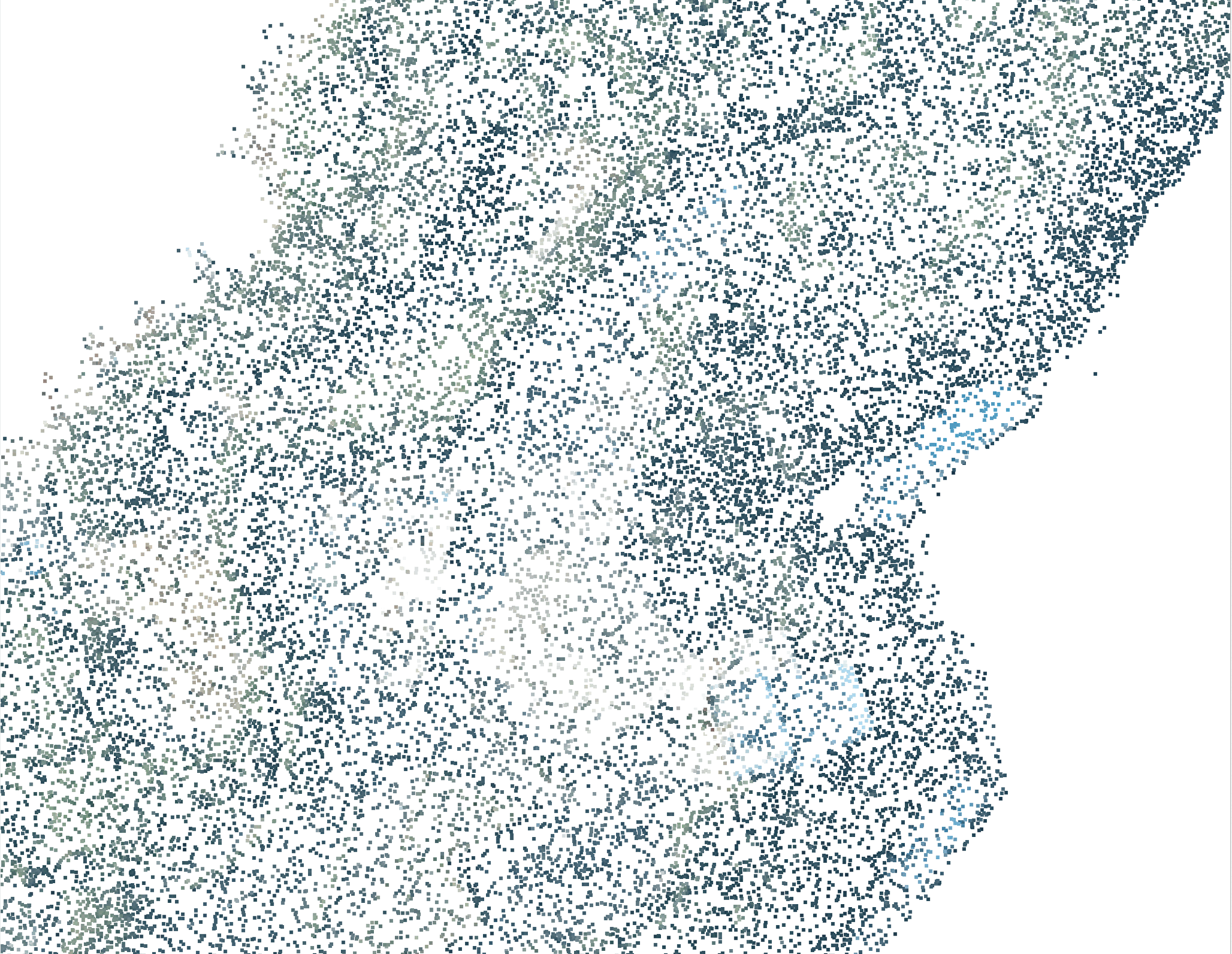
- Export to raster: exports the point cloud as raster data.
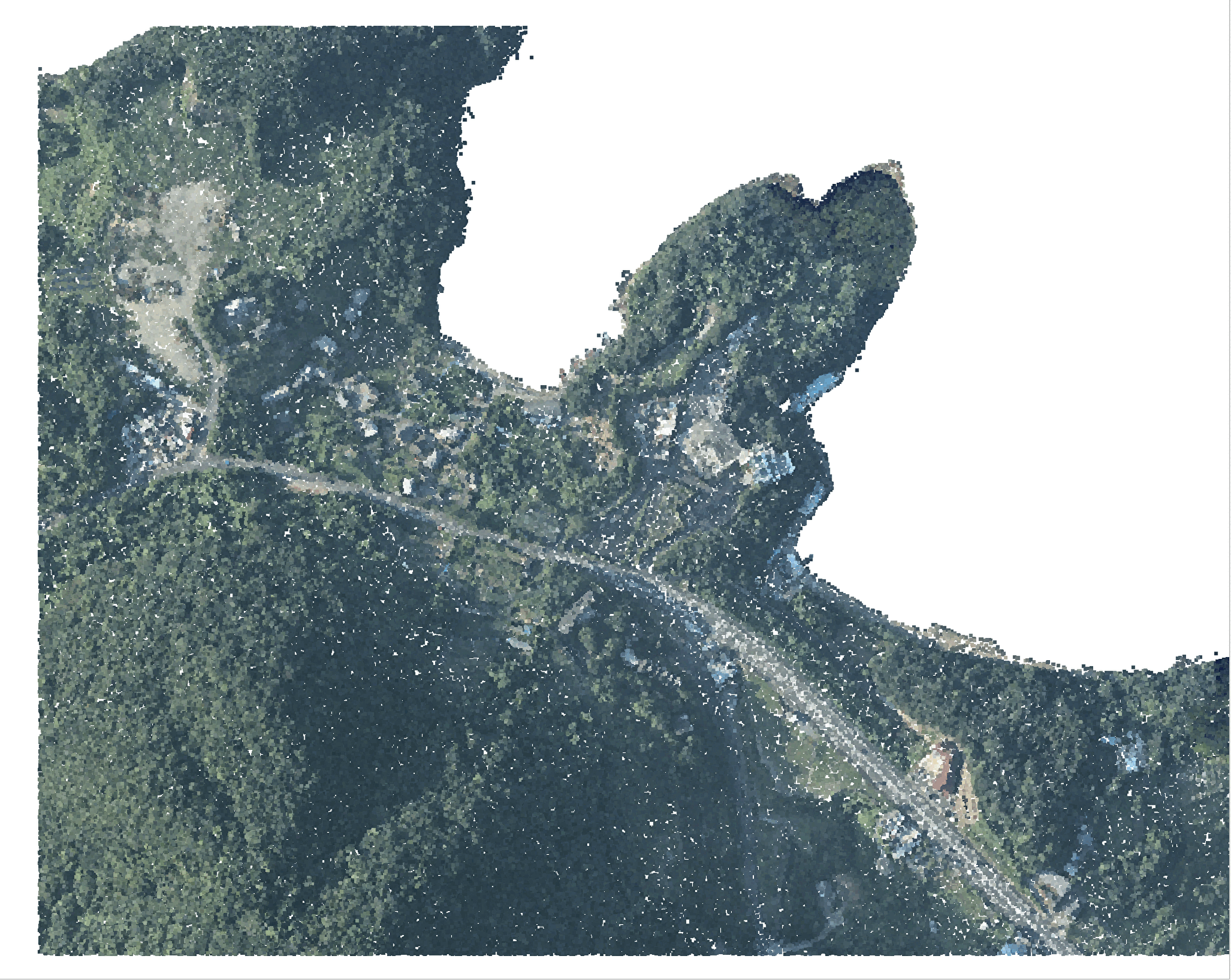
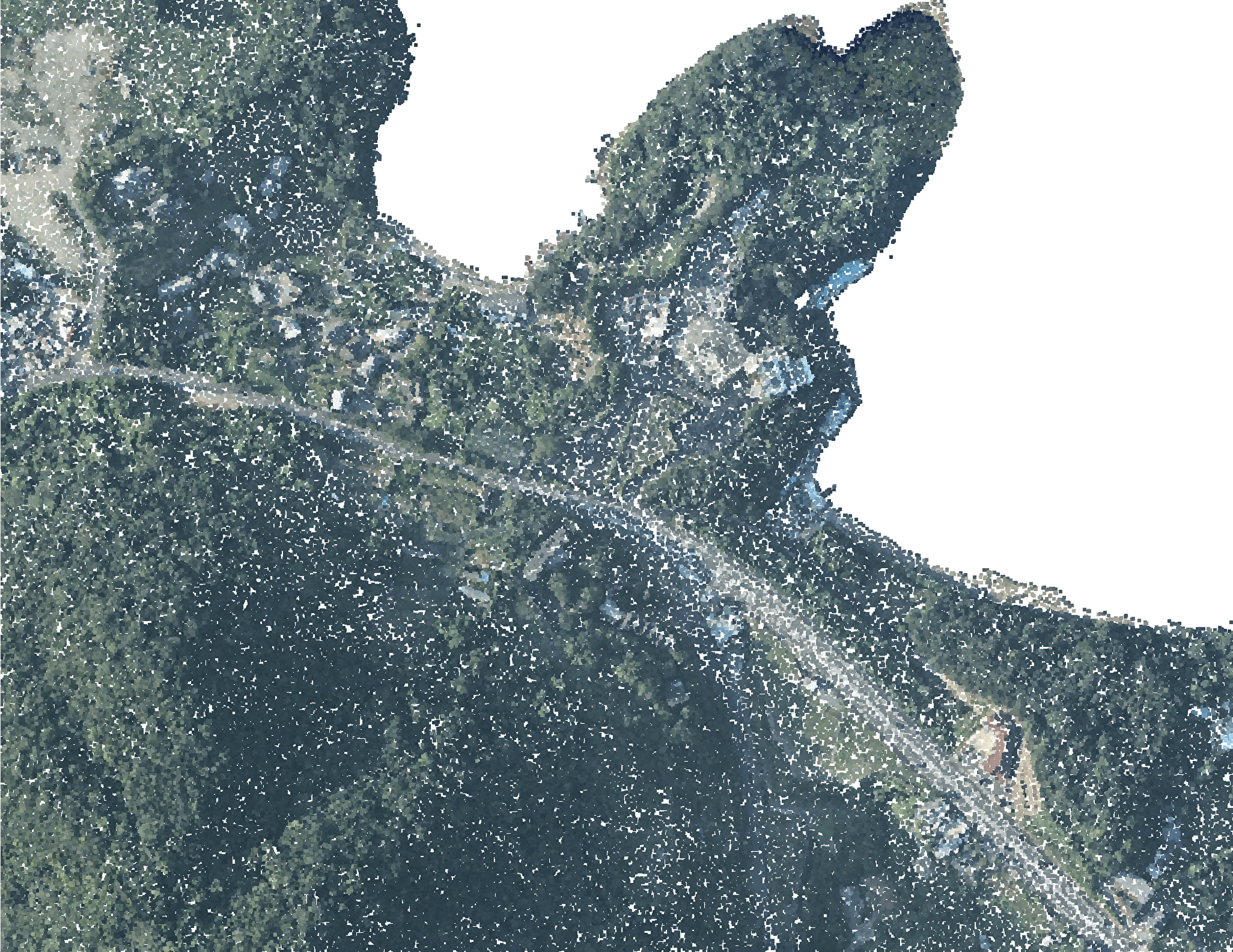
- Clip: clips the point cloud with a polygon layer.
Run shell commands from the Python Console
Add ! before a command in the input area (>>>) of the Python Console to run it as a shell command. This lets you use pip commands, so you can add and remove Python packages within a QGIS project.

Note that on M1/M2 Macs, QGIS runs as the Intel version, so the initial PATH is /usr/bin:/bin:/usr/sbin:/sbin.
Reformat code action for code editors
The code editor can now clean up your source code with one click of a button, even if it contains extra lines or whitespace characters.
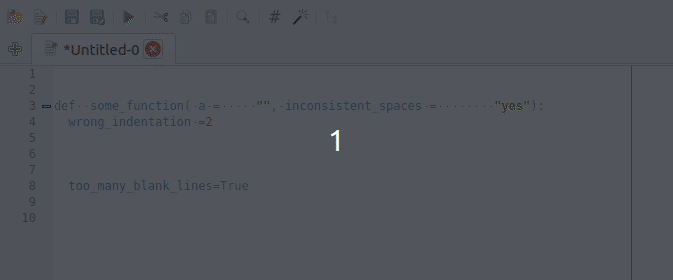
The code formatter uses autopep8 or black. You can change it in the settings (isort, autopep8, or black must be installed beforehand).

How to upgrade
The article below explains in detail how to upgrade QGIS. Have a look at it as well.
Conclusion
The highlight of this update is the new Processing functionality for point clouds. Point clouds used to be processed with tools other than QGIS, but now QGIS can process them too, which makes it easier to use.
QGIS 3.32 also adds small but handy features for programmers and plugin developers, such as running shell commands directly and formatting source code automatically.
QGIS 3.32 adds many more features than the ones covered here. If you are curious, see the changelog for details!

QGIS LAB is a comprehensive information hub for QGIS, the open-source GIS software. Under the concept of “Geospatial for Greater Good,” we share the knowledge and skills to open up the world through location data.


